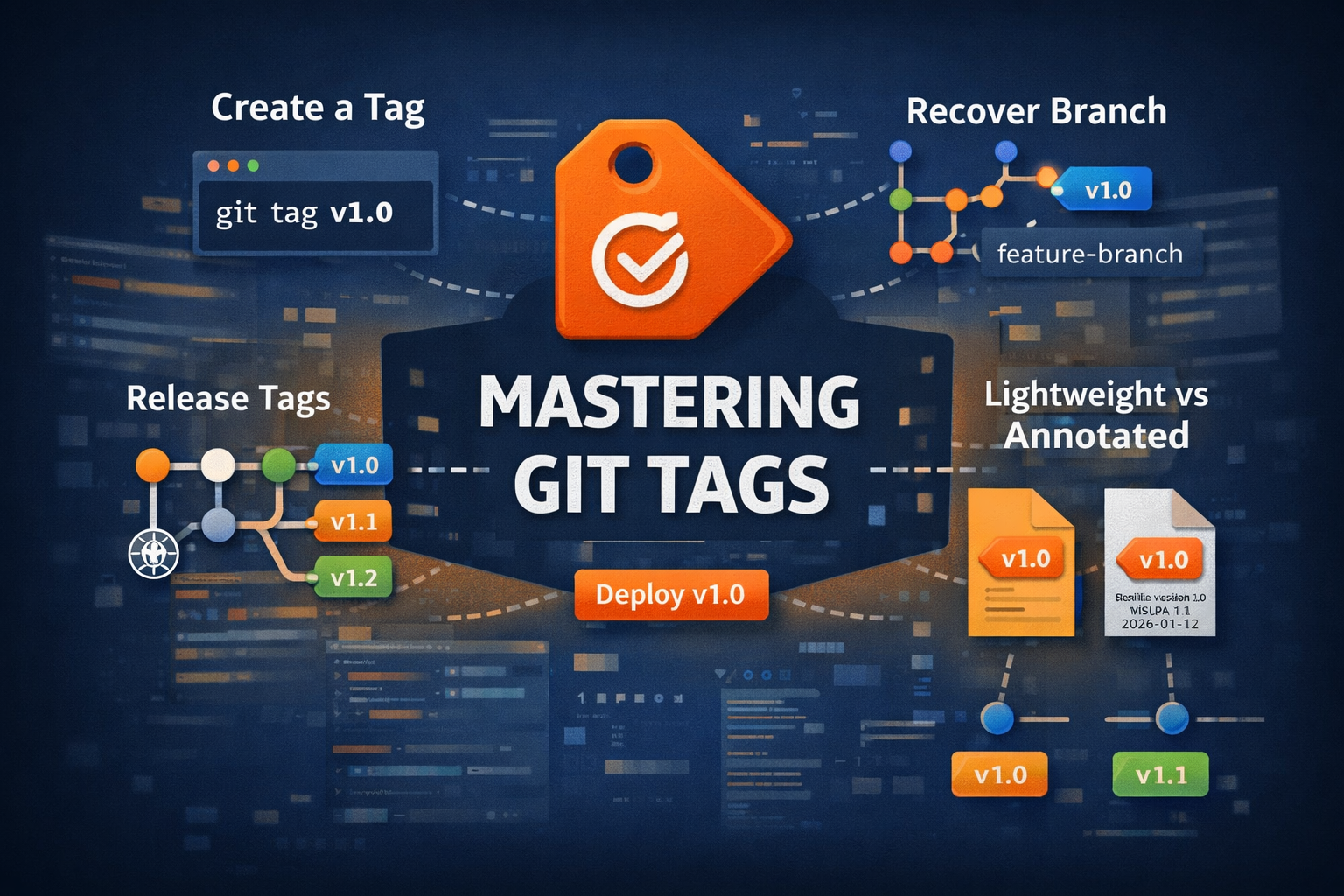
<img src={require('./img/gittags1.png').default} alt="Git Tags Guide" width="900" height="450" /> <br/> Git tags are used to mark specific points in your repository history, typically used for **releases like v1.0, v2.0**. Unlike branches, tags do not change --- they are fixed references to a commit. [Official Git Tag Documentation](https://git-scm.com/docs/git-tag) ------------------------------------------------------------------------ ## Why Use Git Tags <img src={require('./img/gittag2.png').default} alt="Git Tag Workflow Diagram" width="900" height="450" /> <br/> - Mark release versions (v1.0, v2.1) - Track stable builds - Easily roll back to previous versions - Improve CI/CD workflows For teams deploying applications on [Nife Platform](https://nife.io/platform) Git tags play a crucial role in managing stable releases and predictable deployments. ------------------------------------------------------------------------ ## Types of Git Tags <img src={require('./img/gittag3.png').default} alt="Types of Git Tags - Lightweight vs Annotated" width="900" height="450" /> <br/> ### 1. Lightweight Tag ``` bash git tag v1.0 ``` - Just a pointer to a commit - No metadata stored ------------------------------------------------------------------------ ### 2. Annotated Tag ``` bash git tag -a v1.0 -m "Initial release" ``` - Stores metadata (author, date, message) - Recommended for releases Reference: https://git-scm.com/docs/git-tag ------------------------------------------------------------------------ ## Listing Tags ``` bash git tag ``` ``` bash git tag -l "v1.*" ``` ------------------------------------------------------------------------ ## Viewing Tag Details ``` bash git show v1.0 ``` ------------------------------------------------------------------------ ## Pushing Tags to Remote ``` bash git push origin v1.0 ``` Push all tags: ``` bash git push origin --tags ``` ------------------------------------------------------------------------ ## Deleting Tags ### Local ``` bash git tag -d v1.0 ``` ### Remote ``` bash git push origin --delete v1.0 ``` ------------------------------------------------------------------------ ## Checkout Code Using Tag ``` bash git checkout v1.0 ``` ⚠️ This puts you in **detached HEAD** state. ------------------------------------------------------------------------ ## Create Branch from Tag (Recovery) ``` bash git checkout -b hotfix-v1 v1.0 ``` Use case: - Fix production issue from old release - Recover lost branch using stable tag ------------------------------------------------------------------------ ## Recover Lost Work Using Tag If branch is deleted but tag exists: ``` bash git checkout -b recovered-branch v1.0 ``` ------------------------------------------------------------------------ ## Using Tags in Releases ### Standard Release Flow ``` bash git commit -m "Release ready" git tag -a v1.0 -m "Release v1.0" git push origin main git push origin v1.0 ``` ------------------------------------------------------------------------ ## Tags in CI/CD Tags are commonly used to trigger deployments. Example: - Push tag → CI/CD pipeline runs - Deploy version v1.0 to production When integrated with [Nife Deployment Solutions](https://nife.io/solutions/deploy_containarized_apps), tagging ensures consistent and reliable deployments across environments. ------------------------------------------------------------------------ ## Best Practices - Use annotated tags for releases - Follow naming convention (v1.0, v2.0) - Do not modify existing tags - Push tags along with code - Use tags for rollback strategy ------------------------------------------------------------------------ ## Real Scenario ``` bash git tag -a v2.0 -m "Stable release" git push origin v2.0 ``` Production issue occurs: ``` bash git checkout -b fix-v2 v2.0 ``` Fix and redeploy safely. ------------------------------------------------------------------------ ## Conclusion Git tags are essential for managing releases and ensuring stability. They provide a reliable way to mark important versions and recover code when needed. Using tags effectively improves deployment confidence, rollback strategies, and team collaboration. Learn more: [Git Docs](https://git-scm.com/docs) [Nife](https://nife.io)